Chat
Channels per project, team or client.
- Open and private channels
- Direct messages
- Threads, reactions and files
- Searchable history
- Guests in selected channels
Norrvek Connect · The workplace
Email, chat, documents, meetings and the company phone in a single workplace. Run in Sweden or on your own servers – and built to connect with the systems you already use.
The starting point
In most companies the working day is spread across separate services for email, chat, shared documents, video meetings and telephony. Each has its own contract, its own account and its own place where company information ends up – often with providers far outside Sweden.
The cost shows up in the licences. The larger cost does not: the time spent searching, and information no one really has an overview of.
Connect brings the day together. Your information stays with you.
A working day in Connect
Brovall is an installation firm in the middle of an energy renovation. This is their day when everything lives in one place.
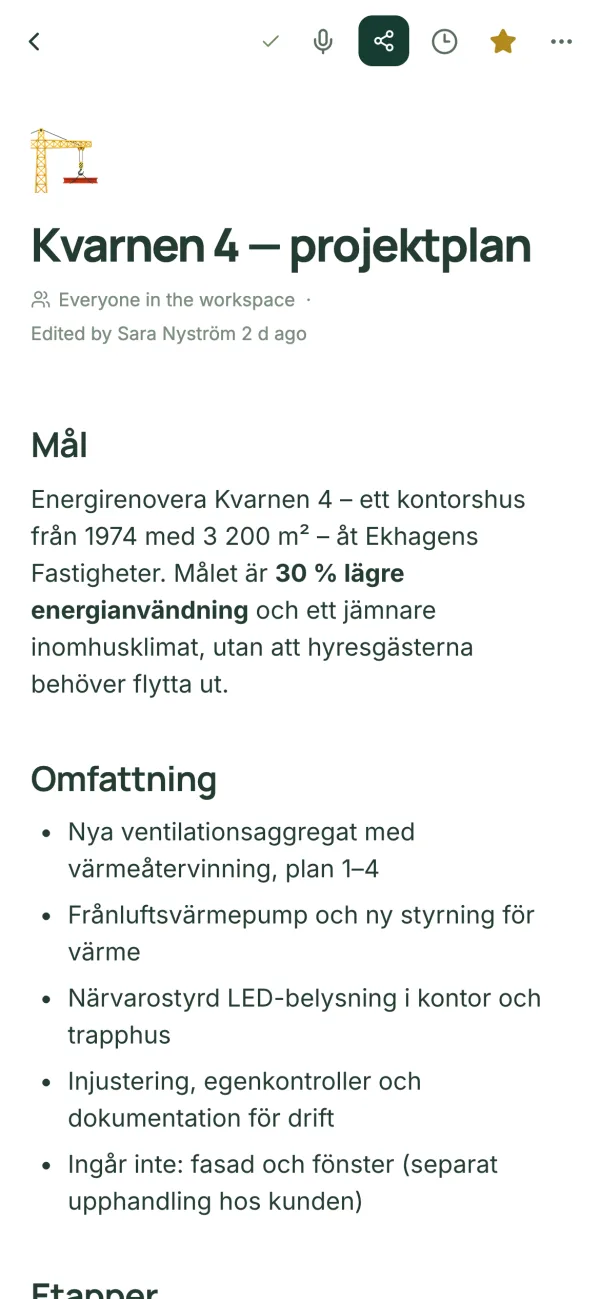
The site supervisor posts from the site that the ventilation units are in place. The whole project team sees it at once in the project channel – purchasing, project management and finance in one thread instead of five email chains.
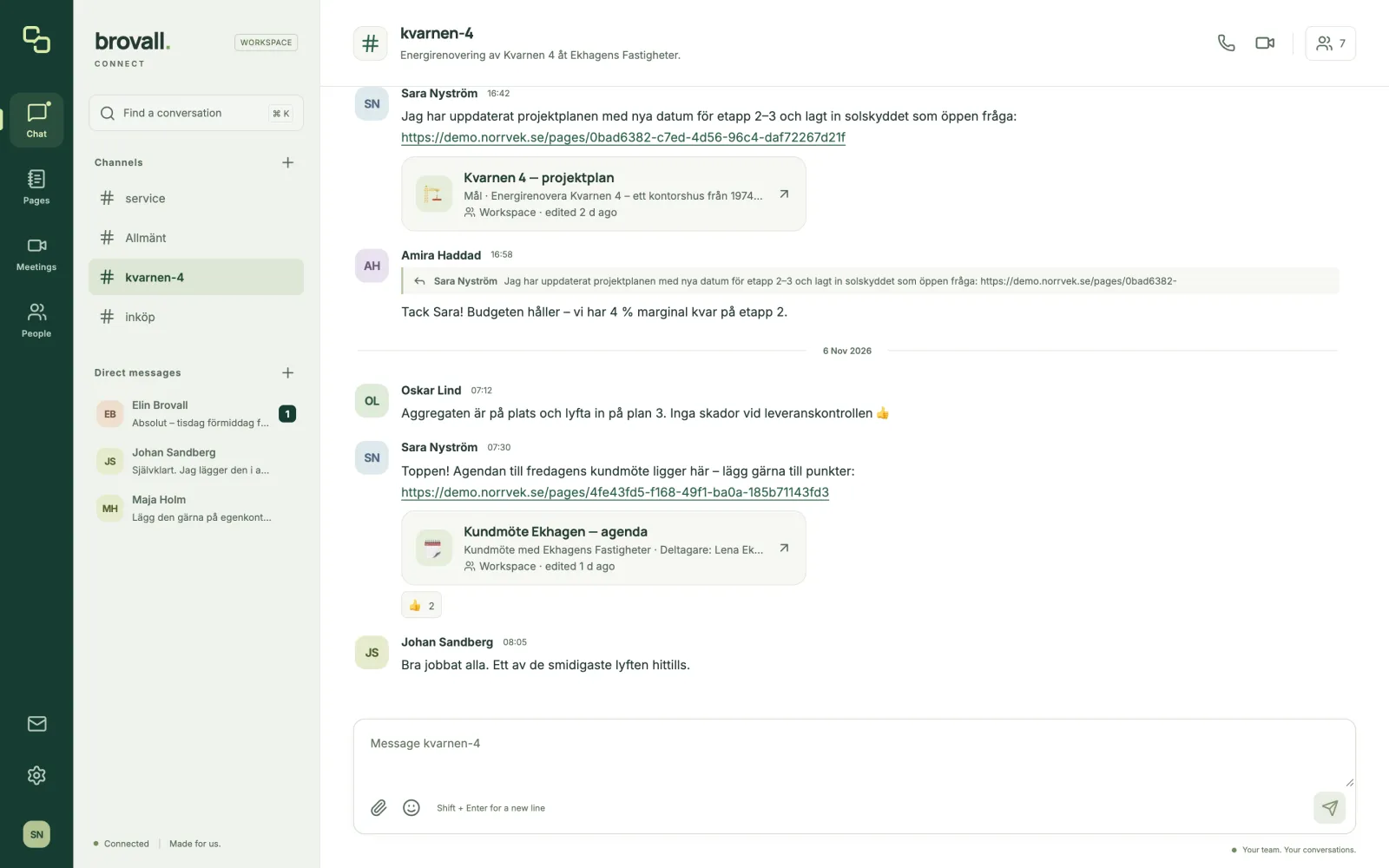
The project manager drafts the client meeting agenda in Pages. Colleagues add their points at the same time and see each other’s cursors. Every change is saved, and earlier versions can be restored with one click.
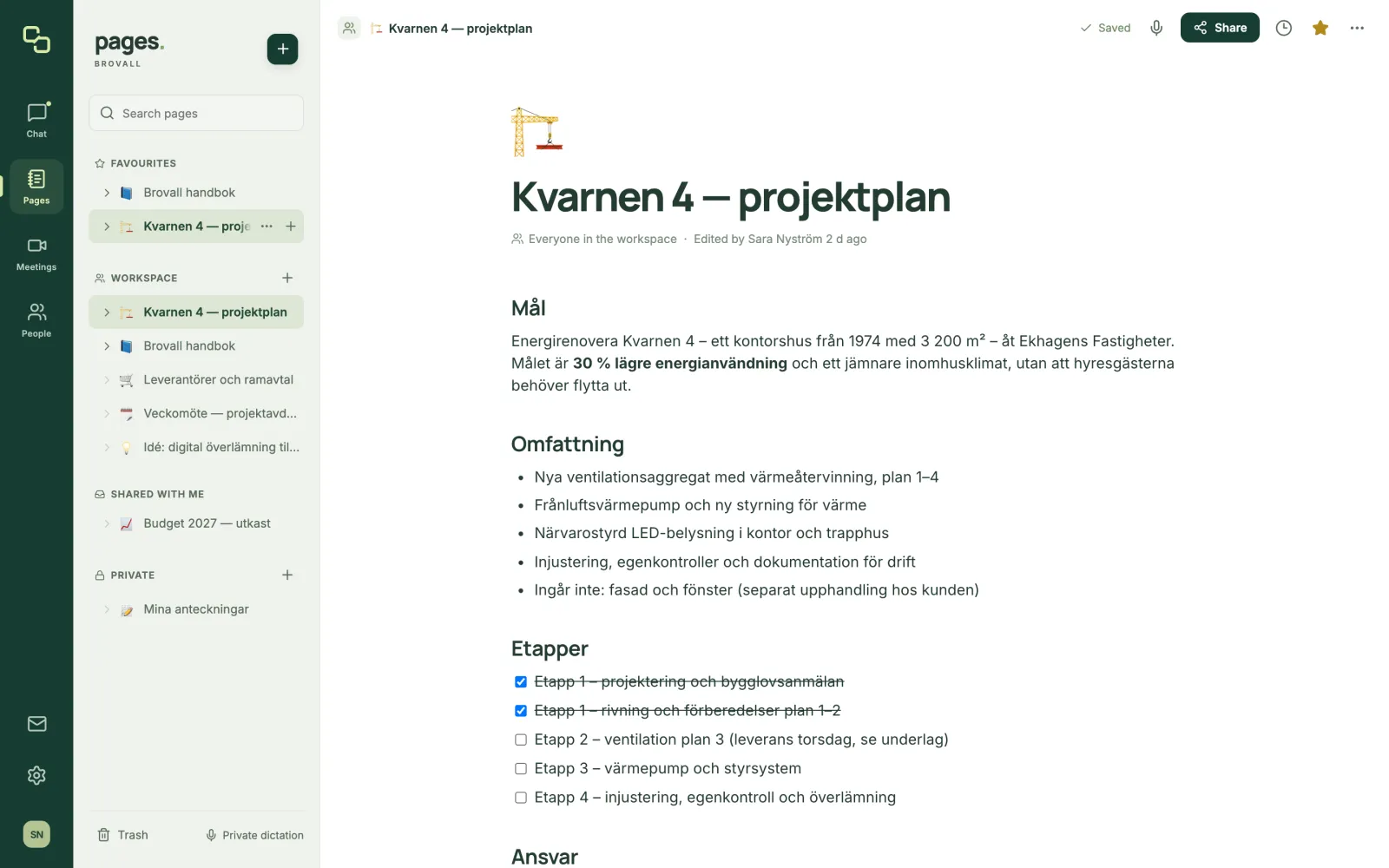
The meeting lives in the project channel. One tap starts video, screen sharing just works, and the client joins as a guest without an account. The host decides who is let in.
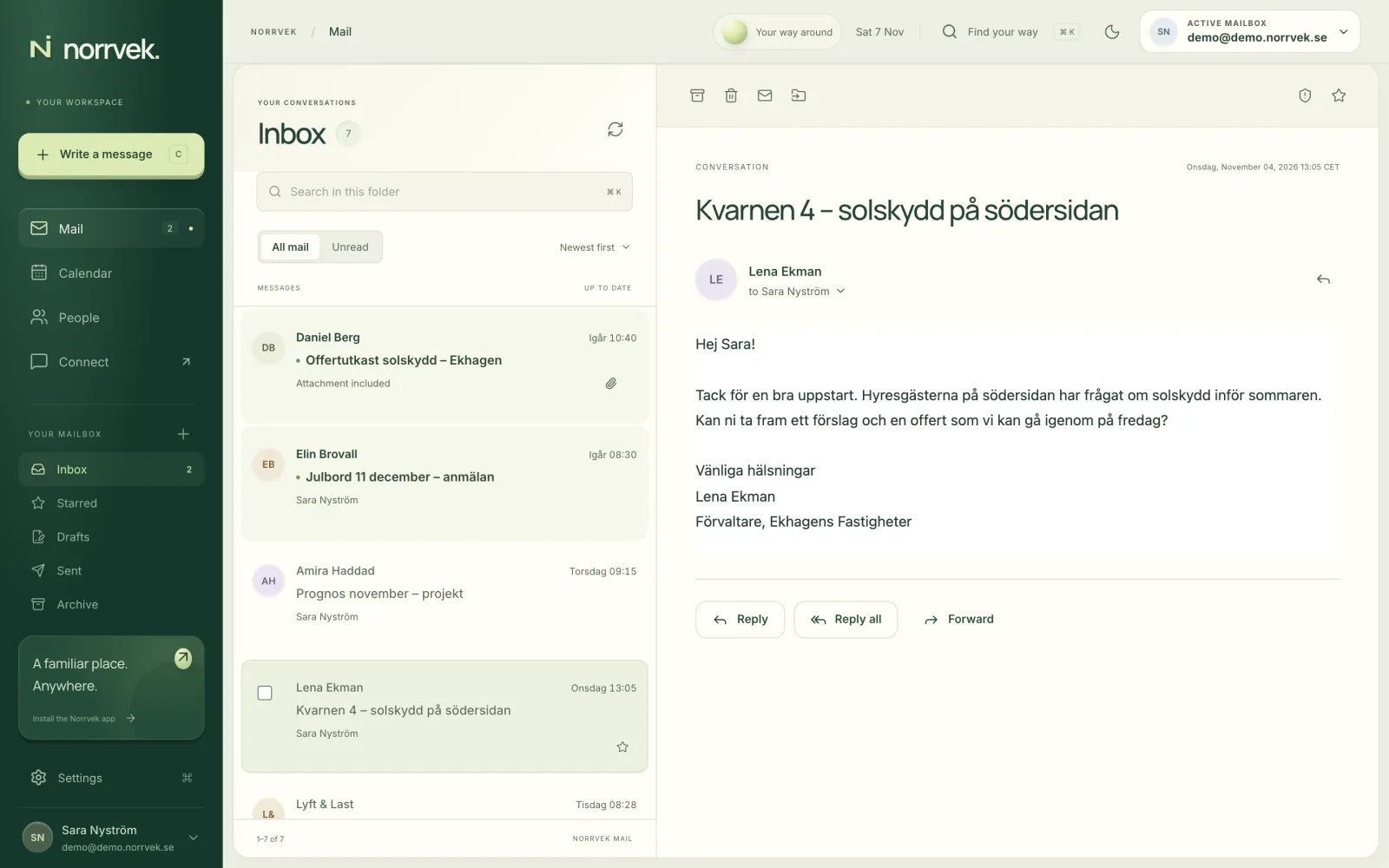
The property manager emails a request for solar shading. Email, calendar and contacts live in the same workplace, on the company’s own domain – with the same sign-in as everything else.
After hours, the team number reaches whoever is on call. The call rings on the mobile like any other call, even when the phone is locked. Missed calls go to voicemail and appear in the app.
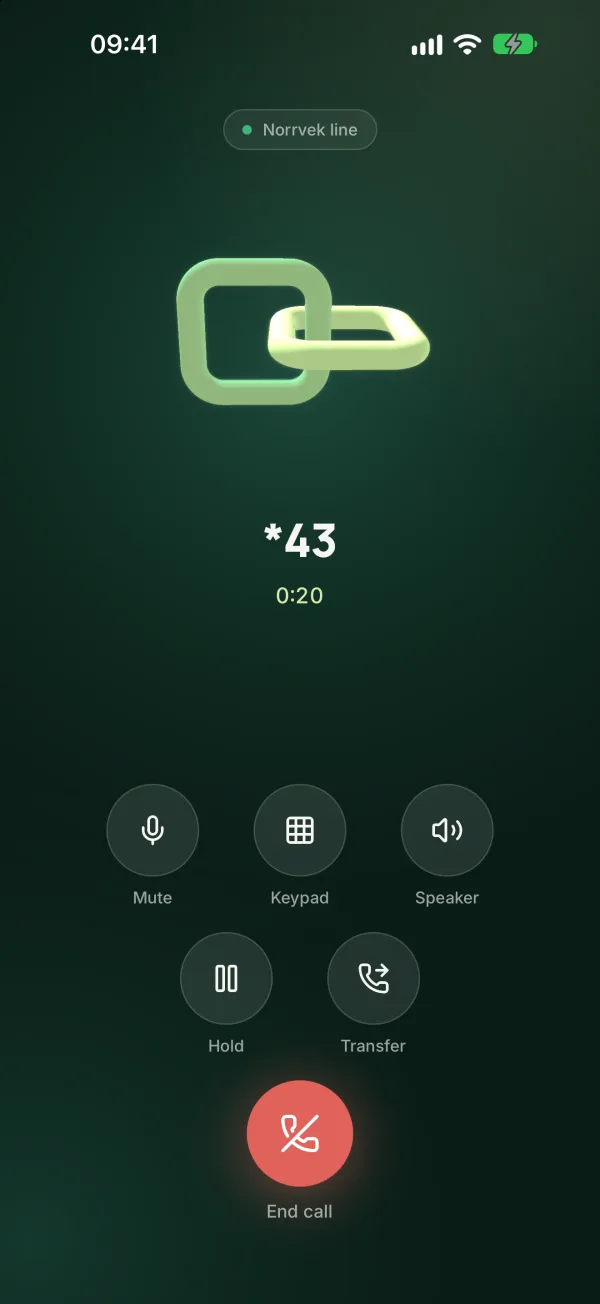
Brovall is a fictional company. The screens come from our demo environment, in Swedish.
What’s included
Channels per project, team or client.
Documents the whole team writes in.
Video and audio inside the workplace.
The company switchboard in everyone’s pocket.
Professional email on your own domain.
Privacy
Connect is built for companies that want to know where their information is and who can read it.
Messages, documents, files and email are stored on servers in Sweden – or on your own, if you prefer.
We do not analyse your communication, sell any data or put advertising or tracking in the apps.
Speech is turned into text on our own server. The audio is never stored or passed on.
Passkeys with Face ID or fingerprint, or two-step verification with an authenticator app. A lost phone can be locked out at once.
All connections are encrypted, and calls are encrypted from the phone to the switchboard. Privacy policy ↗
Deployment
01 · Fastest start
We run and update Connect on servers in Sweden. You get your own workplace with your own domain and users – separated from other customers’.
02 · Full control
Connect runs on your servers or in your data centre. We install, update and manage it remotely – and storage stays in your own environment.
03 · Your own platform
Your version of Connect, with your brand, connected to ERP, CRM, ticketing and AI agents. The same core and the same updates – plus the parts only you need.
More than a suite
Working closely with a partner or a sister company? Two workplaces can be linked so people can chat, call and hold video meetings with each other – without guest accounts, and with each keeping its own information. We work this way between two companies ourselves today.
Because Connect is our own code, it can connect directly to what you already have. A new case in your ERP can become a thread in the right channel, a web enquiry can land with the right salesperson, and an AI agent can summarise the week’s project meetings on a page.
About integrations and AI agentsHow it works
We show Connect in our demo environment and go through how you work today: tools, domains, telephony and systems.
You receive a proposal for deployment, scope and cost before anything starts.
The workplace is set up on your domain. Each person gets email, Connect and a phone number in one step.
We help you through the switch and stay on for support and further development.
Good to know
Yes. Email addresses and the workplace use your own domain, and Connect shows your company name.
Connect works in the browser on computers and phones. The iPhone and Android apps are on their way to the App Store and Google Play.
Telephony in Connect currently covers extensions, team numbers, voicemail and calls between linked companies. External numbers through your operator are part of a tailored set-up – we review your situation together.
We plan the move with you, so email and calendars come along and nothing is missed during the switch.
It depends on the number of users, the deployment and any integrations. After a walkthrough you receive a written proposal.
Yes. We show Connect in a demo environment with a fictional company and can give your team its own trial login.
You do. We only process it to deliver the service and never use it for anything else.
Next step
Book a 30-minute walkthrough. We’ll show the demo and talk about what your day-to-day could look like.